Before a session reaches billing, your team needs to know that its notes and clinical data support the work performed. Missing documentation, inconsistent details and unanswered questions can create costly follow-up and, depending on the payer, put payment at risk.
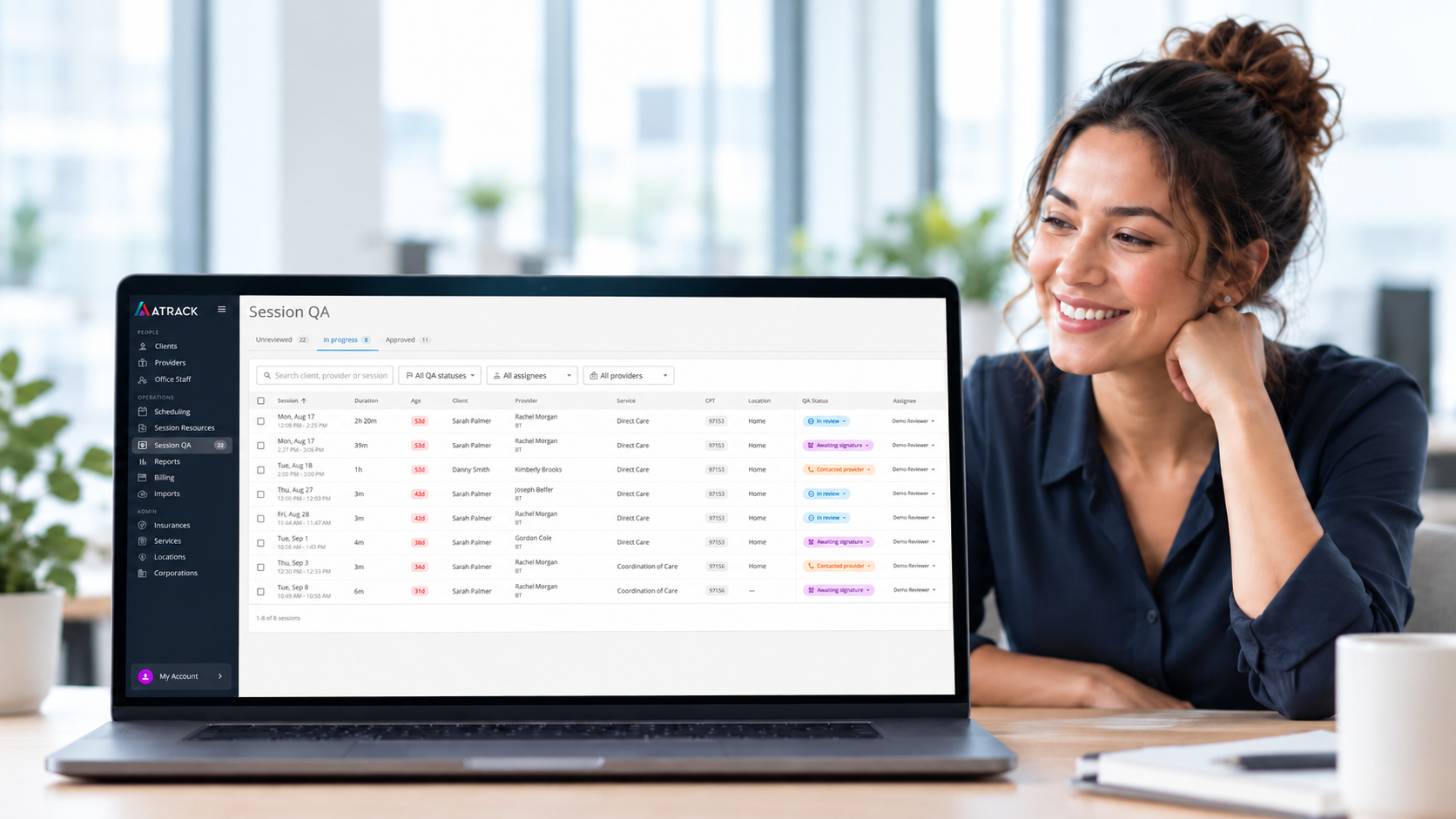
ATrack Session QA gives authorized office staff a shared place to review completed-session information and organize follow-up before billing. A named owner and a visible next action help staff move documentation questions toward resolution. Status and internal QA notes keep colleagues informed as work progresses. That shared oversight supports a consistent compliance review process, cleaner records, audit preparation and a more confident billing handoff.
Why Documentation Review Matters Before Billing
Documentation helps support the services a practice bills. Reviewing it early gives staff an opportunity to identify incomplete or inconsistent records and arrange accurate completion or clarification before submission, instead of carrying unresolved questions into the billing process.
The financial stakes depend on the payer and program. For example, North Carolina Medicaid’s ABA-related coverage policy specifies service-note content and includes documentation and billing in audits. Blue Cross and Blue Shield of Texas’s medical record policy warns that missing or illegible documentation can delay processing and that inadequate documentation can lead to claim denial and nonpayment. These examples show why supporting records matter; use the requirements that apply to your practice’s patients, services and payers.
Review the Session Notes and Clinical Data Together
Start with the recorded information available in Session QA. Depending on the session, review:
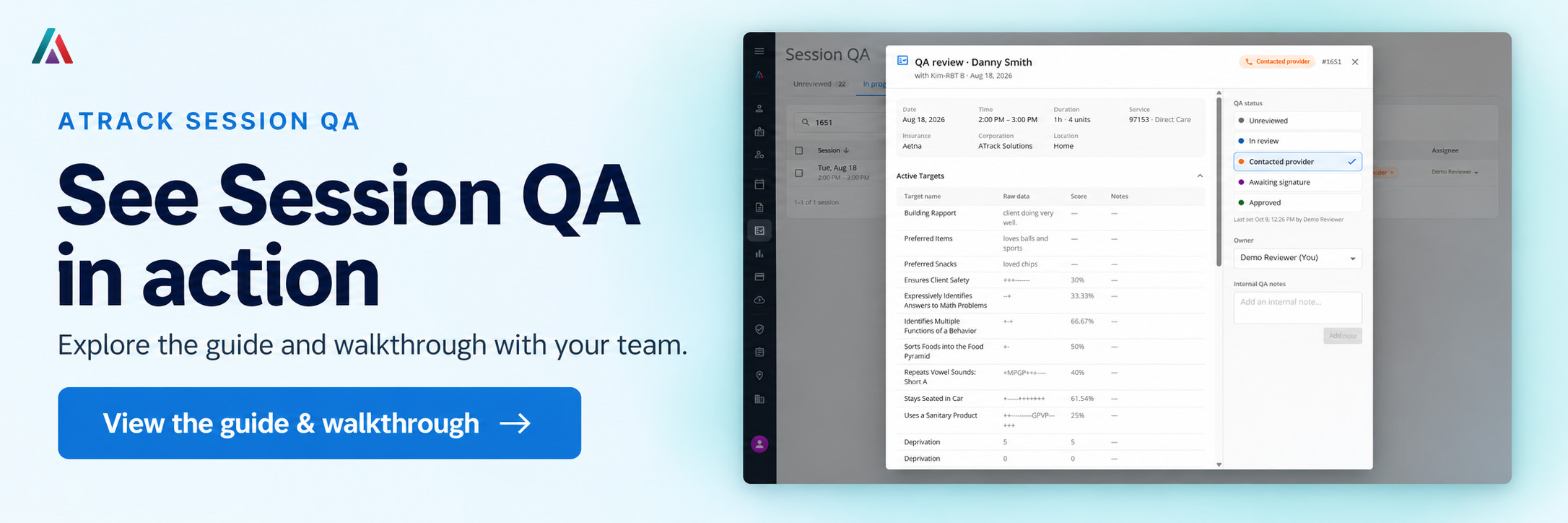
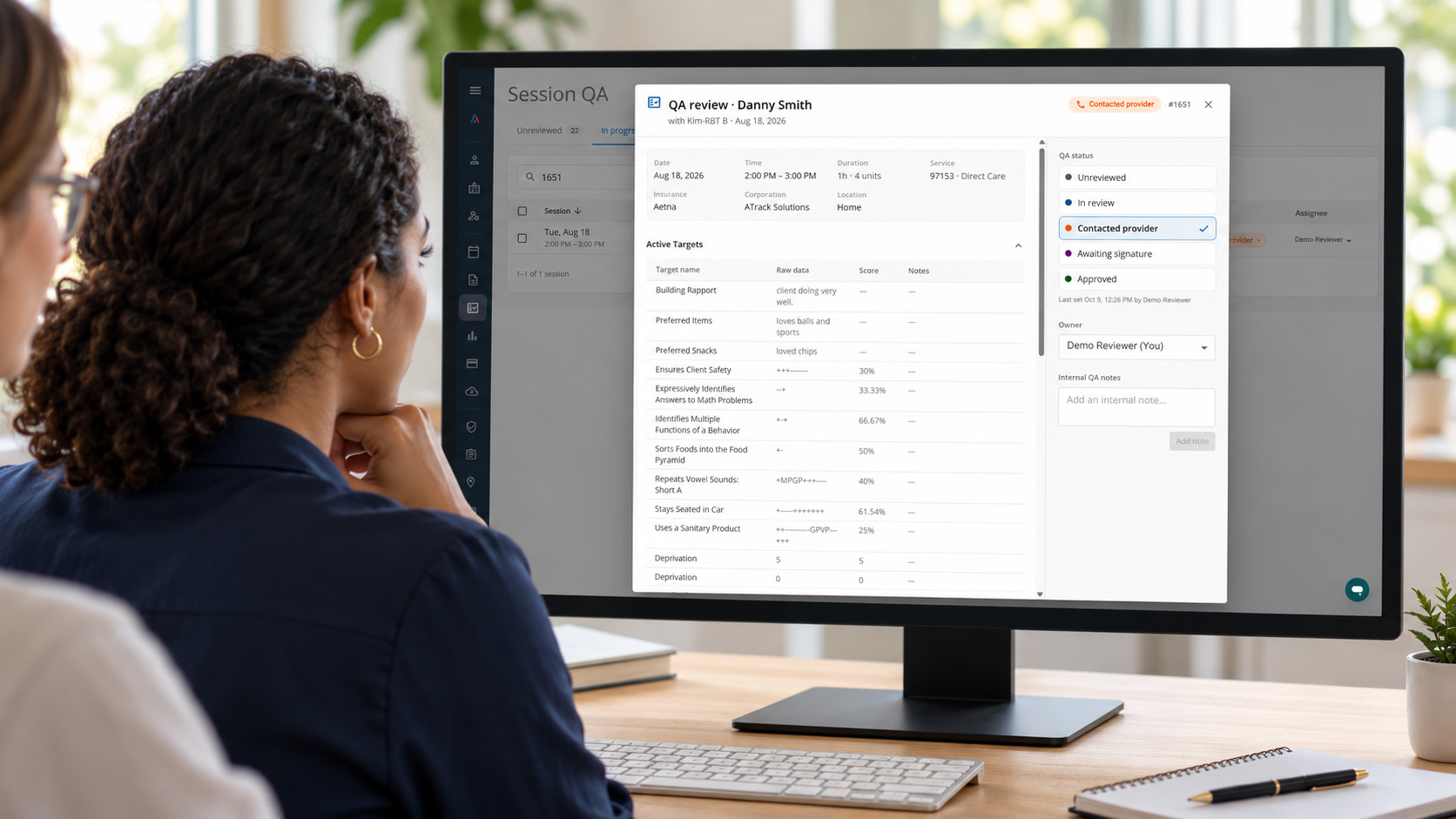
- Session details: date, time, duration, service, location and insurance information.
- Active and maintenance targets: recorded data, scores and notes.
- Behavior information: the recorded observations and details relevant to the visit.
- The clinical session note and signature information: identify missing documentation or signature follow-up under the applicable requirements.
Review these elements together. Does the recorded information raise a question about the service, timing or documentation? Is a required note missing even though target and behavior data are present? Refer clinical questions to the appropriate clinician and use your organization’s standards and applicable payer requirements to determine the next step.
For example, target data alone may not complete the documentation your team requires before billing. If the session note is missing, identify the gap and arrange follow-up with the provider. This makes the review about the supporting record, rather than simply whether the visit has ended.
Session information is read-only in Session QA. Complete or correct the underlying record through the appropriate workflow outside this workspace, following applicable correction and addendum procedures. An internal QA note records the review question; it does not replace the clinical note.
Give Every Documentation Question an Owner
A documentation gap needs someone responsible for moving it forward. Assign an owner when a session needs review or follow-up, and update that assignment when responsibility changes.
For a missing note, the owner might be the office team member responsible for contacting the provider and checking that the update is available. For a clinical question, that person can coordinate with the appropriate clinician. Ownership keeps the next action visible when a question spans workdays or passes between colleagues.
That visibility supports session oversight: colleagues can see who is handling an unresolved issue before assuming the record is ready for the next stage of billing preparation.
Keep the QA Status Aligned With the Work
Choose the status that reflects what has actually happened. A consistent approach helps staff distinguish records still being checked from those with an outstanding documentation step.
The first three statuses appear under In progress. Use that view to revisit open questions and determine which records still need attention in your team’s review process.
Contact providers through your usual communication channel. Changing a status or posting an internal QA note does not send a message. Use Contacted provider after outreach has occurred so the next colleague has an accurate picture of the work.
Write QA Notes That Make the Next Step Clear
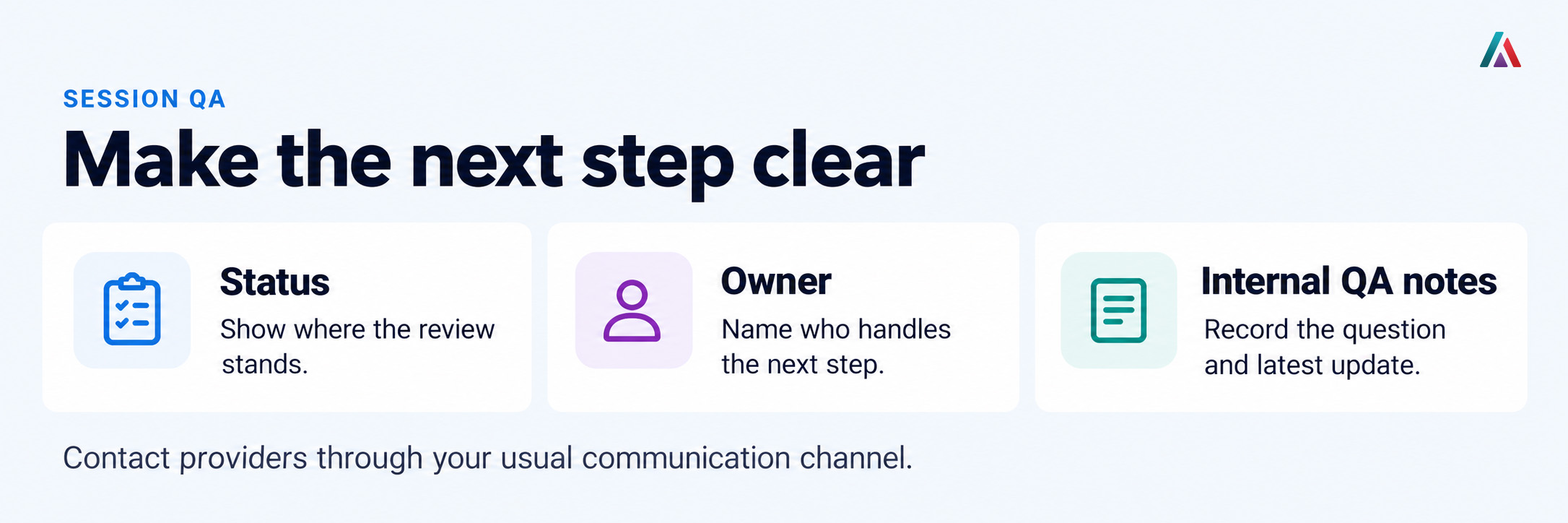
Useful internal QA notes explain the documentation question, the next action and the latest relevant update. Posted notes show the author and time, helping colleagues follow the sequence without reconstructing every conversation.
For a missing session note, an initial internal note might read:
Target and behavior data are recorded, but the session note required by our review process is missing. The assigned owner will contact the provider to request accurate completion through the appropriate clinical-record workflow.
After outreach has occurred, an update might read:
Contacted the provider through our usual communication channel about the missing note. The assigned owner will check the session record for the update and confirm whether further follow-up is needed.
These are illustrative notes for staff to write when the facts apply. Keeping the question and next action specific makes the billing handoff more useful than a vague comment such as “needs fixing.” The clinical record and other supporting documentation still need to stand on their own for payer review.
Verify the Update Before Closing the Review
A response from the provider is a reason to check the record again. Return to the session, review the updated information and determine whether the original question has been addressed. If clarification is still needed, keep the follow-up active and the owner current.
Once the issue has been resolved, record the outcome and update the QA status as appropriate. This gives colleagues a clearer basis for the next step than an expectation that the documentation will be completed later.
Approved records your team’s QA decision. It does not control whether a session appears in billing exports. It also does not establish payer acceptance, compliance or payment. Your organization remains responsible for its billing decisions and submission checks.
Use the Review to Support Audit and Billing Readiness
Audit preparation starts with accurate, complete supporting records. A consistent session-review routine can help staff identify documentation questions and organize follow-up before those records are needed for payer review.
Before handing a session to the next stage of your billing process, confirm that:
- Required notes and signatures have been addressed under the applicable requirements.
- Questions about the recorded session details and clinical documentation have been resolved or clearly escalated to the responsible person.
- The latest QA note accurately describes the outcome and any remaining action.
- Billing staff know about unresolved issues and complete their remaining checks, including applicable eligibility, authorization and coding requirements.
This is a practical handoff checklist, not a complete payer checklist or an automated validation performed by Session QA. The value comes from staff reviewing the evidence, arranging appropriate follow-up and confirming the result. That work supports cleaner, more accurate records and gives the team a clearer basis for confident submission.
Put a Consistent Review Process Into Practice
Access requires an Office Staff account with the separate Session QA permission. A provider or BCBA role does not automatically grant access to this workspace. Authorized staff can open the ATrack Management Portal and go to Operations → Session QA.
Agree on who reviews completed sessions, who handles follow-up and what your team needs to confirm before billing. Use the Session QA guide and walkthrough to put those responsibilities into practice. A shared review process connects documentation quality with the daily work of session oversight, compliance review and audit preparation.
Read the Session QA guide and watch the walkthrough